
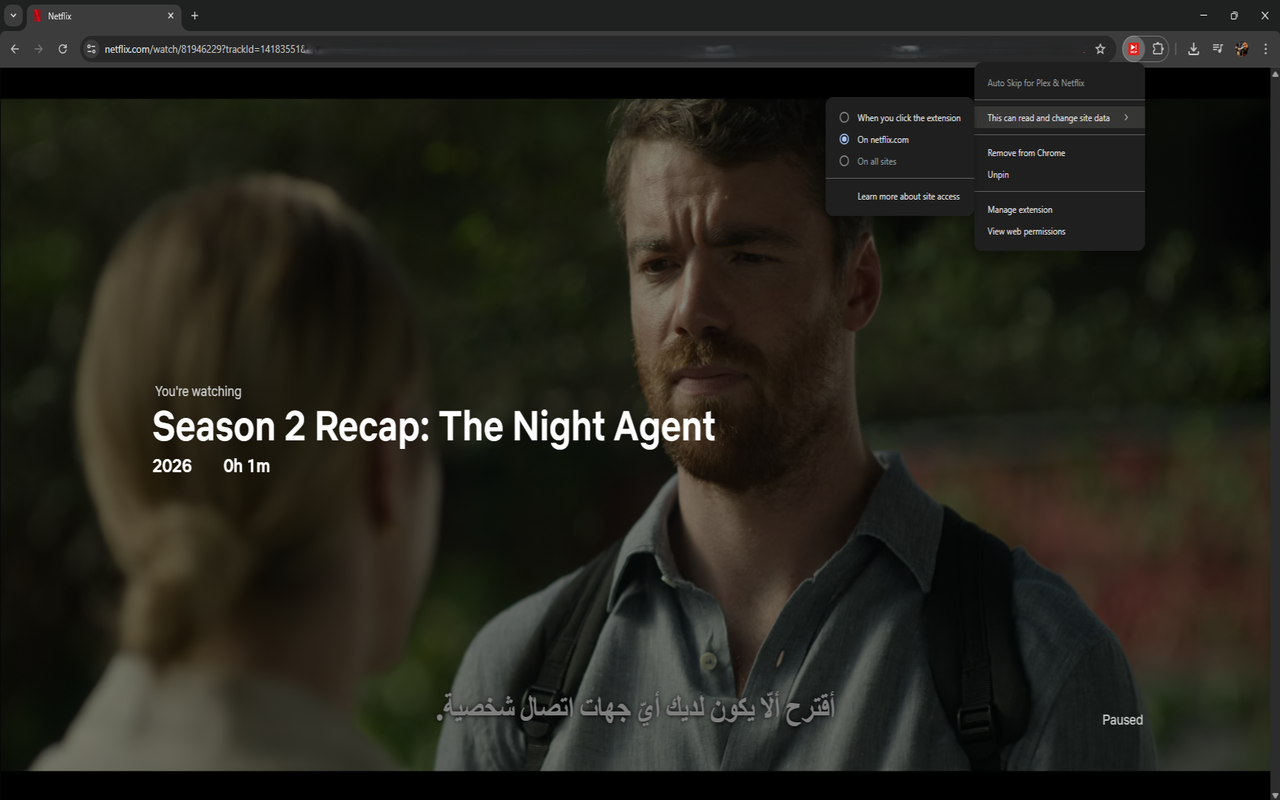
Features
Skip Intros
Automatically clicks the "Skip Intro" button the moment it appears on screen.
Skip Credits
Jumps past end credits so the next episode starts without delay.
Netflix
Targets Netflix's built-in skip intro and skip recap buttons directly.
Plex
Works with Plex Web App and local servers at localhost:32400.
Zero Config
Install it and forget about it. No settings, no popups, no setup required.
Lightweight
No network requests, no analytics, no storage. Runs entirely in your browser.
How it works
- Install the extension in Chrome or Firefox
- Navigate to Netflix or Plex and start watching a show
- When a skip button appears, the extension clicks it automatically
- Sit back and enjoy uninterrupted binge-watching
Supported Platforms
| Platform | Skip Intro | Skip Credits |
|---|---|---|
| Netflix | Yes | Yes |
| Plex (app.plex.tv) | Yes | Yes |
| Plex (localhost:32400) | Yes | Yes |
Install
Chrome / Edge / Brave
- Download
.zipfrom Releases - Go to
chrome://extensions - Enable Developer Mode
- Click "Load unpacked" and select the unzipped folder
Firefox
Install directly from Mozilla Add-ons.
Build from source
$ npm install
$ npm run build
Then load dist/ as an unpacked extension in Chrome or temporary add-on in Firefox.